> ## Documentation Index
> Fetch the complete documentation index at: https://www.carstoragesoftware.com/docs/llms.txt
> Use this file to discover all available pages before exploring further.
# Use the AI Assistant from iMessage
> Find the right guide for setting up or using the AI Assistant through a team iMessage group chat.
## What you will accomplish
You will find the right step-by-step guide for your role: **setting up** iMessage for your facility, or **using** the assistant from a team group chat on your phone.
**Two guides, two jobs**
**Admins and managers** connect the group chat in [Connect iMessage to the AI Assistant](/docs/ai-assistant/connect-imessage-to-the-ai-assistant).
**Staff on the lot or at the front desk** text questions after setup using [Use the AI Assistant in iMessage](/docs/ai-assistant/use-the-ai-assistant-in-imessage).
## Which guide should I read?
Not sure where to start? Match your role to the path below.
| Your situation | Open this guide |
| - | - |
| Admin setting up iMessage for the first time | [Connect iMessage to the AI Assistant](/docs/ai-assistant/connect-imessage-to-the-ai-assistant) |
| Staff texting questions from a linked group chat | [Use the AI Assistant in iMessage](/docs/ai-assistant/use-the-ai-assistant-in-imessage) |
| Creating customers, cars, or appointments with review cards | [Prepare work with the AI Assistant](/docs/ai-assistant/prepare-work-with-the-ai-assistant) on the **web**—not iMessage |
| Adding facility-wide rules everyone should follow | [Manage team memory for the AI Assistant](/docs/ai-assistant/manage-team-memory-for-the-ai-assistant) |
| Connecting Claude or Cursor to facility records | [Connect Claude to your facility](/docs/ai-assistant/connect-claude-to-your-facility) |
You are an owner, admin, or manager connecting a **team group chat** for the first time.
**Start here:** [Connect iMessage to the AI Assistant](/docs/ai-assistant/connect-imessage-to-the-ai-assistant)
**Expected result:** Verified team members, a linked group chat, and **active** status on [Settings > AI Agent](https://www.carstoragesoftware.com/dashboard/settings/ai-agent).
Your admin already linked a group chat and you have a **Verified** phone number.
**Start here:** [Use the AI Assistant in iMessage](/docs/ai-assistant/use-the-ai-assistant-in-imessage)
**Expected result:** You can ask schedule, parking, and customer lookup questions from your iPhone and get short replies in the group chat.
After iMessage is connected, admins can save team-wide facts (for example, pickup notice requirements).
**Start here:** [Manage team memory for the AI Assistant](/docs/ai-assistant/manage-team-memory-for-the-ai-assistant)
## Quick comparison
| I need to… | Read this guide |
| - | - |
| Add team members, verify phones, generate a link code | [Connect iMessage to the AI Assistant](/docs/ai-assistant/connect-imessage-to-the-ai-assistant) |
| Ask today's schedule or look up a customer from my phone | [Use the AI Assistant in iMessage](/docs/ai-assistant/use-the-ai-assistant-in-imessage) |
| Review proposal cards before saving new records | [AI Assistant](https://www.carstoragesoftware.com/agent) on the dashboard — iMessage is for lookups, not proposal cards |
| Send a message to a customer | [Inbox](https://www.carstoragesoftware.com/dashboard/inbox) — the assistant does not text customers from iMessage |
## How iMessage fits with the dashboard assistant
Think of three doors into the same records:
| Where you work | Best for | Not for |
| - | - | - |
| **[AI Assistant](https://www.carstoragesoftware.com/agent)** on a computer | Proposal cards, voice, long drafts, creating records | Quick questions while walking the lot |
| **Team iMessage group** on your phone | Fast lookups: schedule, parking, customer cars | Saving new customers or appointments without review |
| **Claude** (or Cursor) after an admin connects it | People who already chat in Claude and want facility answers there | Day-one staff who only need the dashboard helper |
| **[Inbox](https://www.carstoragesoftware.com/dashboard/inbox)** | Texts and emails **to customers** | Staff-only questions |
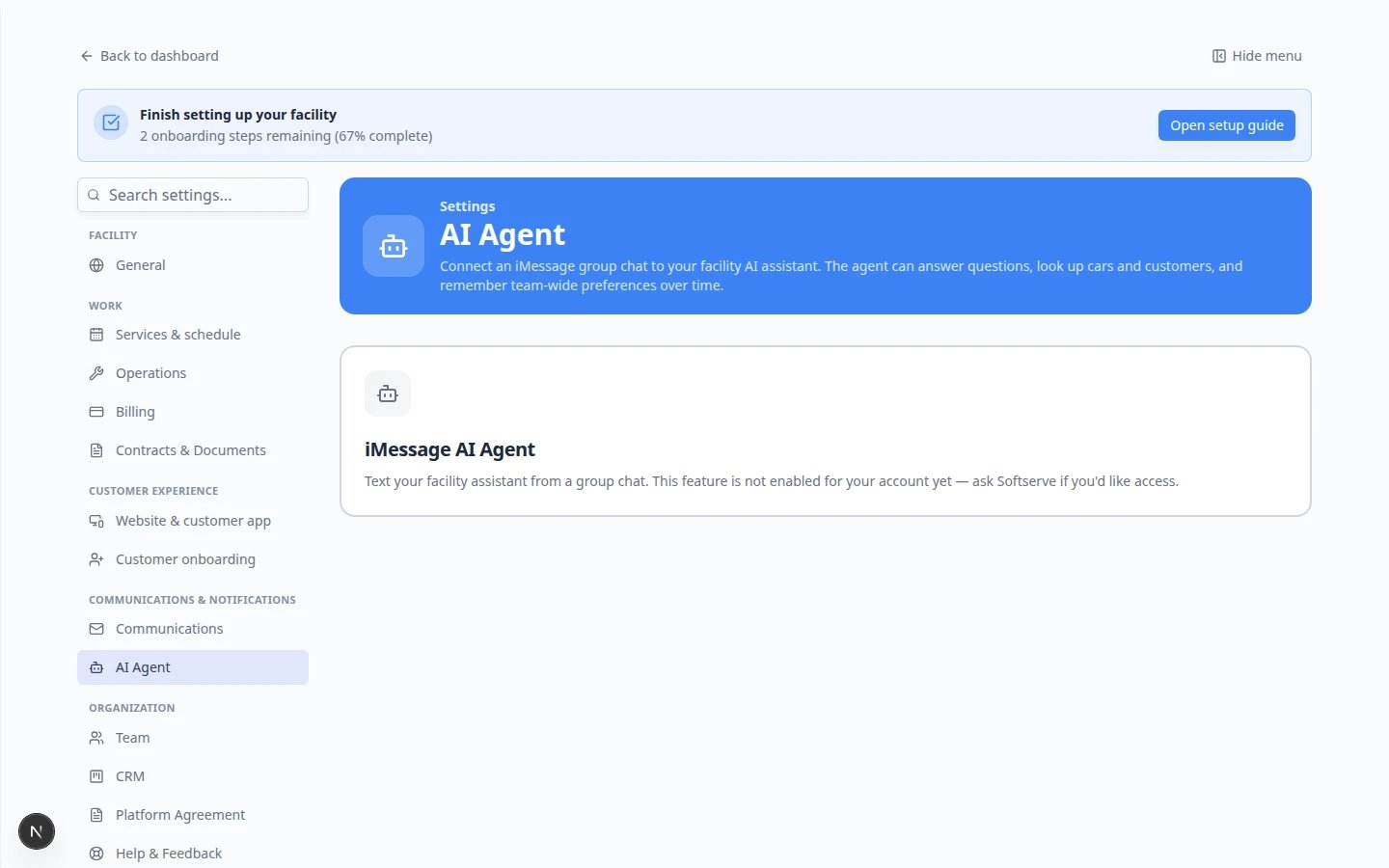 *After setup, [Settings > AI Agent](https://www.carstoragesoftware.com/dashboard/settings/ai-agent) shows your linked group and status (**active** or **paused**). Staff text questions in that group; replies stay inside your team chat.*
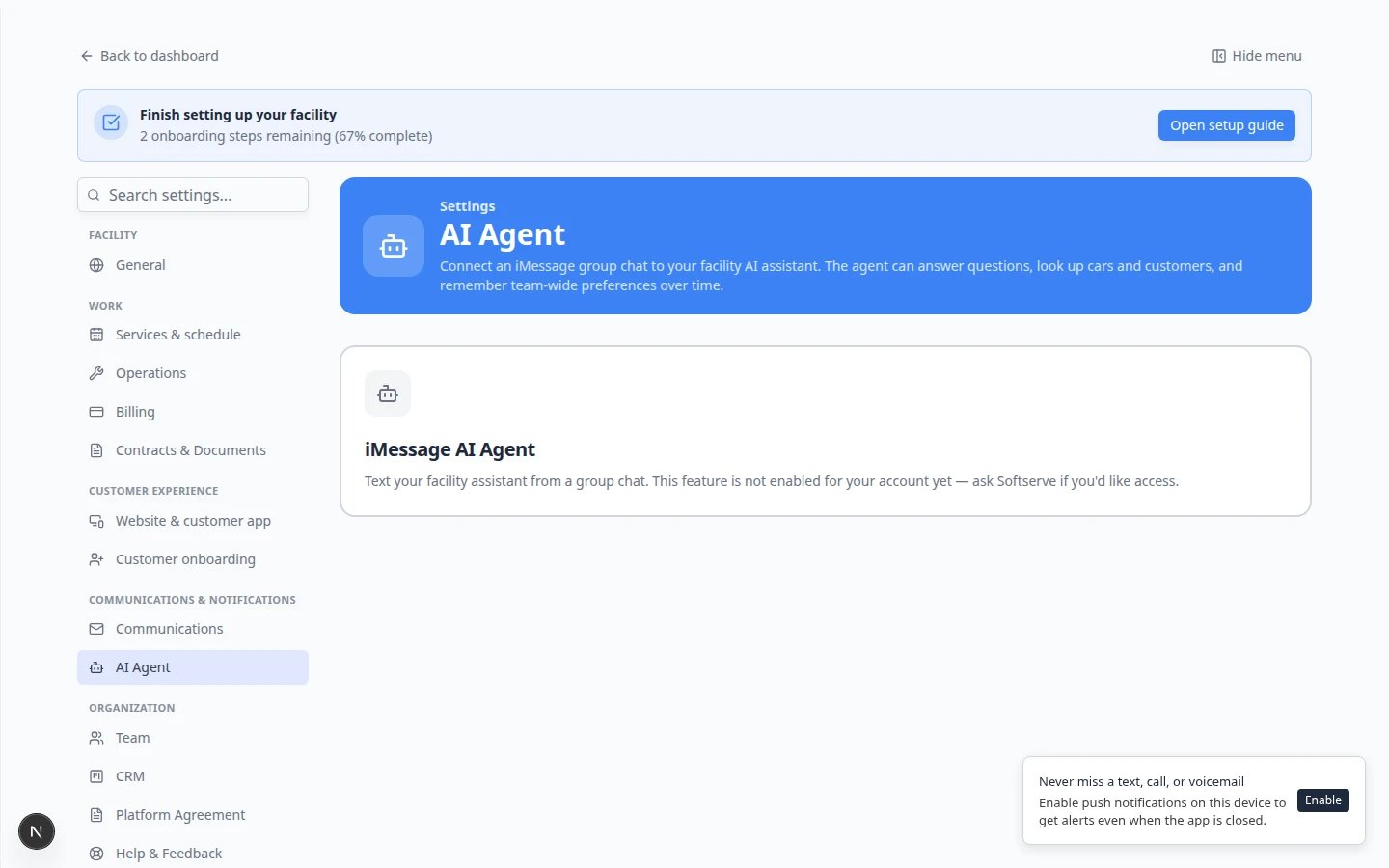 *Admins connect a **staff-only** iMessage group on [Settings > AI Agent](https://www.carstoragesoftware.com/dashboard/settings/ai-agent). Staff never text customers from this group—the assistant replies inside your team chat only.*
## This is different from texting customers
iMessage connects your **staff team** to the assistant. Customer texts still flow through [Inbox](https://www.carstoragesoftware.com/dashboard/inbox). The assistant does not send messages to customers from a group chat.
## What iMessage is good for
* **What's on the schedule today?**
* **How many parking spots are available?**
* **Look up Alex Morgan's cars.** (use a real name from [Contacts](https://www.carstoragesoftware.com/dashboard/contacts))
* **Where is the 2017 Lamborghini Huracan parked?**
For more example questions, see [Ask about schedule, parking, and records](/docs/ai-assistant/ask-about-schedule-parking-and-records).
## What iMessage cannot do
**Do not rely on iMessage alone for:**
* Creating new customers, cars, or appointments (use dashboard proposal cards—see [Prepare work with the AI Assistant](/docs/ai-assistant/prepare-work-with-the-ai-assistant))
* Finalizing invoices, quotes, or payments (use [Payments](https://www.carstoragesoftware.com/dashboard/payments))
* Sending contracts or customer messages (use [Inbox](https://www.carstoragesoftware.com/dashboard/inbox))
* Voiding or deleting important records
## Troubleshooting
### The page says the feature is not enabled
Your facility needs the iMessage AI Agent turned on at the platform level. Contact Car Storage Software support. You can still use [AI Assistant](https://www.carstoragesoftware.com/agent) in the dashboard.
*Admins connect a **staff-only** iMessage group on [Settings > AI Agent](https://www.carstoragesoftware.com/dashboard/settings/ai-agent). Staff never text customers from this group—the assistant replies inside your team chat only.*
## This is different from texting customers
iMessage connects your **staff team** to the assistant. Customer texts still flow through [Inbox](https://www.carstoragesoftware.com/dashboard/inbox). The assistant does not send messages to customers from a group chat.
## What iMessage is good for
* **What's on the schedule today?**
* **How many parking spots are available?**
* **Look up Alex Morgan's cars.** (use a real name from [Contacts](https://www.carstoragesoftware.com/dashboard/contacts))
* **Where is the 2017 Lamborghini Huracan parked?**
For more example questions, see [Ask about schedule, parking, and records](/docs/ai-assistant/ask-about-schedule-parking-and-records).
## What iMessage cannot do
**Do not rely on iMessage alone for:**
* Creating new customers, cars, or appointments (use dashboard proposal cards—see [Prepare work with the AI Assistant](/docs/ai-assistant/prepare-work-with-the-ai-assistant))
* Finalizing invoices, quotes, or payments (use [Payments](https://www.carstoragesoftware.com/dashboard/payments))
* Sending contracts or customer messages (use [Inbox](https://www.carstoragesoftware.com/dashboard/inbox))
* Voiding or deleting important records
## Troubleshooting
### The page says the feature is not enabled
Your facility needs the iMessage AI Agent turned on at the platform level. Contact Car Storage Software support. You can still use [AI Assistant](https://www.carstoragesoftware.com/agent) in the dashboard.
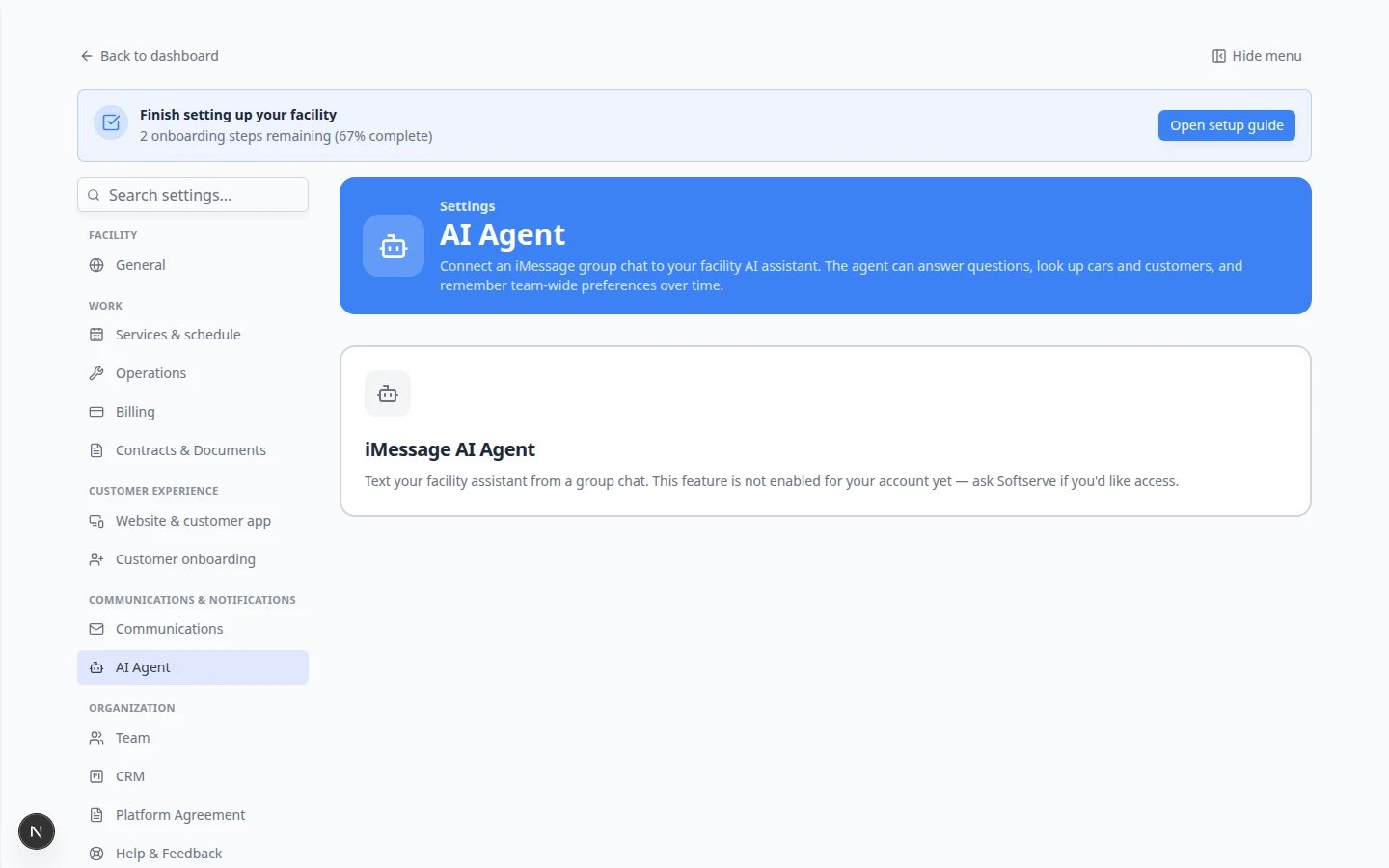 *When iMessage **is** enabled, you see numbered steps starting with **1 · Your agent's number**. If you instead see **not enabled for your account yet**, contact support before following the setup guide.*
### I am staff and the group chat does not reply
Ask an admin to confirm your phone is **Verified**, you are in the linked group, and the group status is **active** (not **paused**). See [Connect iMessage to the AI Assistant](/docs/ai-assistant/connect-imessage-to-the-ai-assistant).
### Answers look wrong
Verify in [Contacts](https://www.carstoragesoftware.com/dashboard/contacts), [Cars](https://www.carstoragesoftware.com/dashboard/cars), [Schedule](https://www.carstoragesoftware.com/dashboard/schedule), or [Parking Spots](https://www.carstoragesoftware.com/dashboard/parking-spots) before you act on a text reply.
## What to do next
* **Admins:** [Connect iMessage to the AI Assistant](/docs/ai-assistant/connect-imessage-to-the-ai-assistant)
* **Staff:** [Use the AI Assistant in iMessage](/docs/ai-assistant/use-the-ai-assistant-in-imessage)
* **Claude users:** [Connect Claude to your facility](/docs/ai-assistant/connect-claude-to-your-facility)
* **Everyone:** [AI Assistant overview](/docs/ai-assistant/overview) for the full learning path
This documentation is built and hosted on [Mintlify](https://mintlify.com), a developer documentation platform.
*When iMessage **is** enabled, you see numbered steps starting with **1 · Your agent's number**. If you instead see **not enabled for your account yet**, contact support before following the setup guide.*
### I am staff and the group chat does not reply
Ask an admin to confirm your phone is **Verified**, you are in the linked group, and the group status is **active** (not **paused**). See [Connect iMessage to the AI Assistant](/docs/ai-assistant/connect-imessage-to-the-ai-assistant).
### Answers look wrong
Verify in [Contacts](https://www.carstoragesoftware.com/dashboard/contacts), [Cars](https://www.carstoragesoftware.com/dashboard/cars), [Schedule](https://www.carstoragesoftware.com/dashboard/schedule), or [Parking Spots](https://www.carstoragesoftware.com/dashboard/parking-spots) before you act on a text reply.
## What to do next
* **Admins:** [Connect iMessage to the AI Assistant](/docs/ai-assistant/connect-imessage-to-the-ai-assistant)
* **Staff:** [Use the AI Assistant in iMessage](/docs/ai-assistant/use-the-ai-assistant-in-imessage)
* **Claude users:** [Connect Claude to your facility](/docs/ai-assistant/connect-claude-to-your-facility)
* **Everyone:** [AI Assistant overview](/docs/ai-assistant/overview) for the full learning path
This documentation is built and hosted on [Mintlify](https://mintlify.com), a developer documentation platform.