> ## Documentation Index
> Fetch the complete documentation index at: https://www.carstoragesoftware.com/docs/llms.txt
> Use this file to discover all available pages before exploring further.
# Use the AI Assistant in iMessage
> Ask your facility assistant questions from a team group chat in Messages and read short, helpful replies on your phone.
## What you will accomplish
You will use your facility's **team iMessage group chat** to ask the AI Assistant everyday questions—schedule, parking, customer lookups, and more—right from your phone.
You do **not** need to open the dashboard for quick answers during a phone call or while walking the lot.
**Admins: set up the group chat first**
If your facility has not connected iMessage yet, an owner or manager must complete [Use the AI Assistant from iMessage](/docs/ai-assistant/use-the-ai-assistant-from-imessage) (or [Connect iMessage to the AI Assistant](/docs/ai-assistant/connect-imessage-to-the-ai-assistant)) before staff can text the assistant. This guide assumes the group is already linked.
## When to use iMessage vs the web assistant
**Use iMessage** when you are away from a computer, on the lot, or already texting with your team in the group chat.
**Use the web [AI Assistant](https://www.carstoragesoftware.com/agent)** when you need **proposal cards** to review new customers, cars, or appointments before saving—or when you want links that open straight to a dashboard page.
**Setup must happen first**
An admin must connect the group chat before this works. If your group never gets replies, ask an admin to follow [Connect iMessage to the AI Assistant](/docs/ai-assistant/connect-imessage-to-the-ai-assistant).
## Before you start
* Your phone shows a green checkmark under **2 · Text the robot** on [Settings > AI Agent](https://www.carstoragesoftware.com/dashboard/settings/ai-agent) (ask an admin if you are unsure).
* You are in the **correct team group chat** in Messages—not a chat with a customer.
* You know at least one detail to make the question clear: customer name, car, date, or spot number.
* You understand that replies are **helpful drafts**—double-check important times and amounts before promising a customer.
## How replies look in the group chat
Unlike the web assistant, iMessage answers appear as **regular text bubbles** in the group—not cards on a dashboard page.
* There are **no proposal cards** or **Confirm All** button in Messages.
* Replies are usually **short** so they are easy to read on a phone.
* The assistant may ask a **follow-up question** if your message was missing a name, date, or VIN.
* For changes that affect customers or money, the assistant may ask you to **confirm in plain language** before it acts.
**Same brain, different screen**
The information is the same whether you ask on the web or in your team group chat. The web [AI Assistant](https://www.carstoragesoftware.com/agent) shows rich cards and links. iMessage shows a **plain-text summary** of the same answer. Use the screenshot below as a reference for the type of answer you will see as a text bubble on your phone.
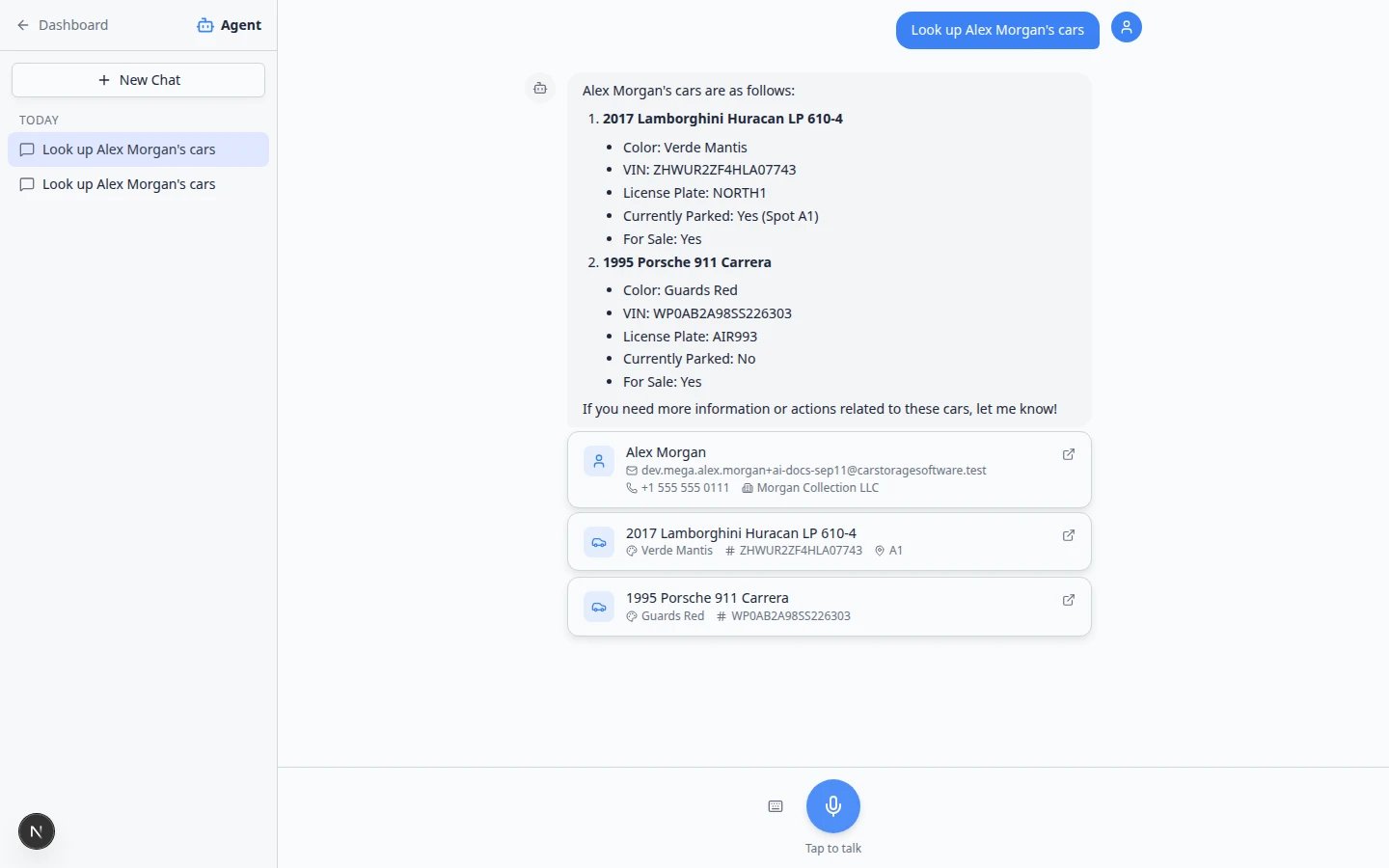 *On the web, lookups often show cards you can scan quickly. In iMessage you get the same facts as a short message—read it carefully before you repeat details to a customer on the phone.*
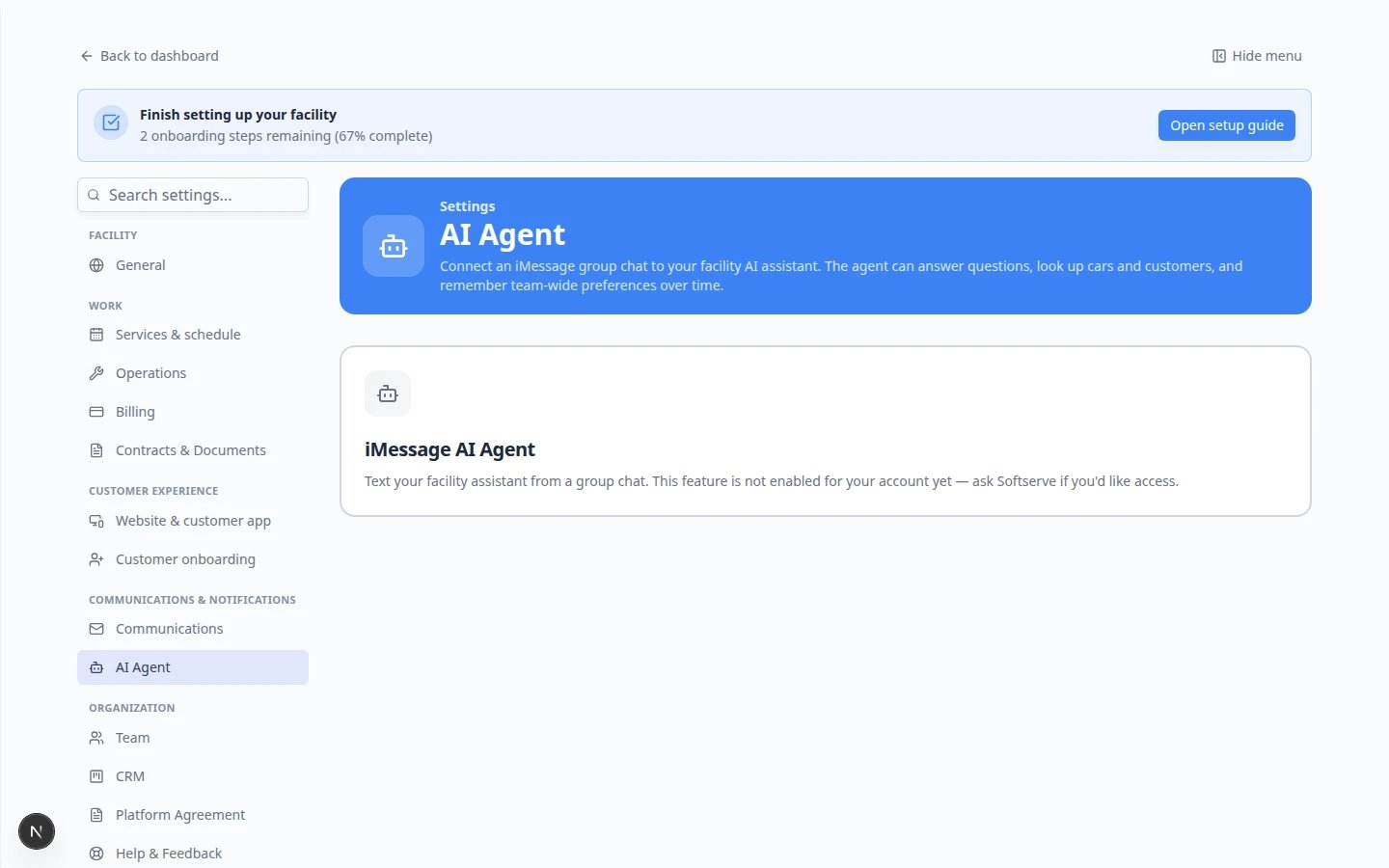
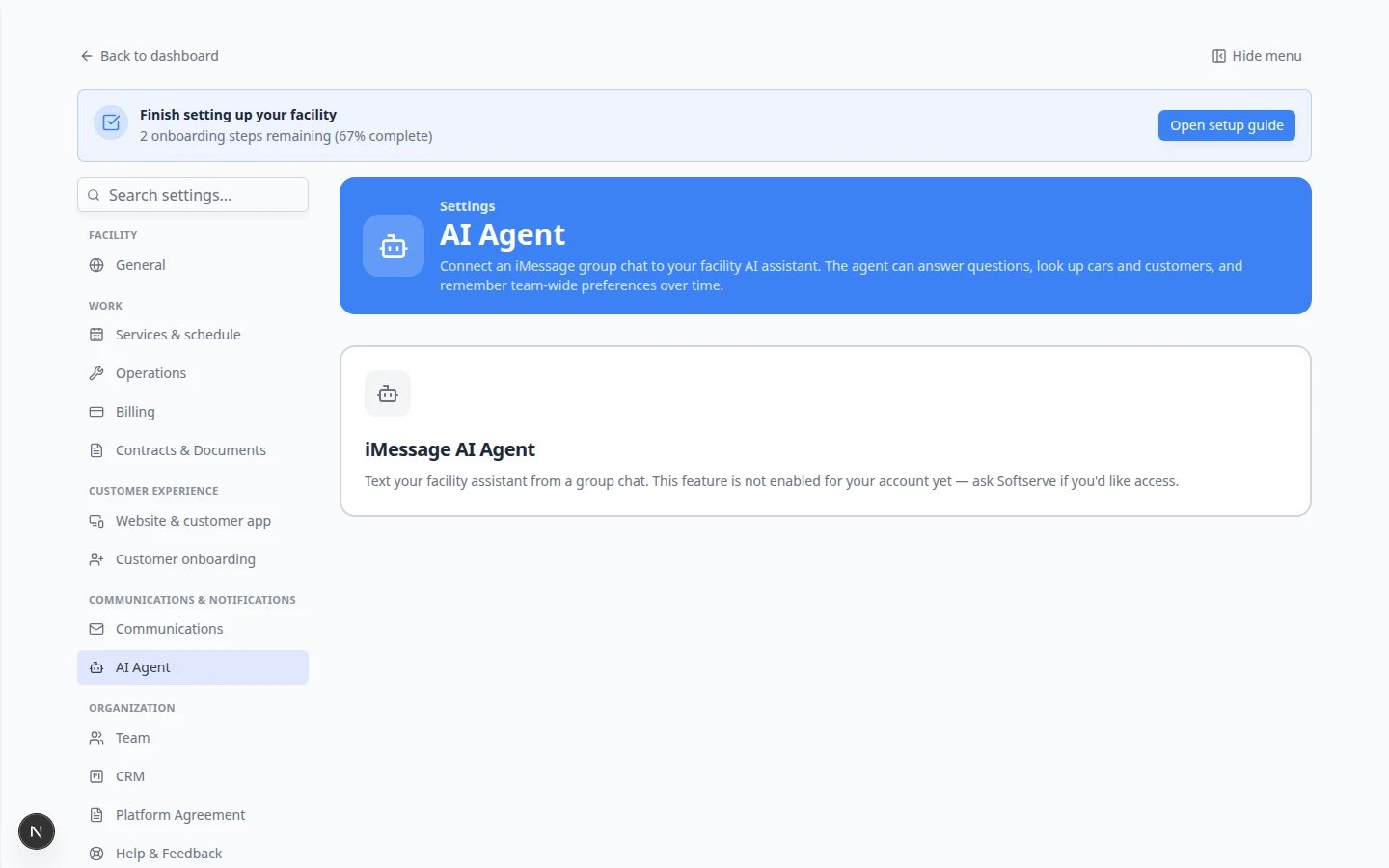 *Staff do not set up iMessage on this page—that is an admin job. Once the feature is enabled, your admin adds verified phone numbers and links a team group chat here.*
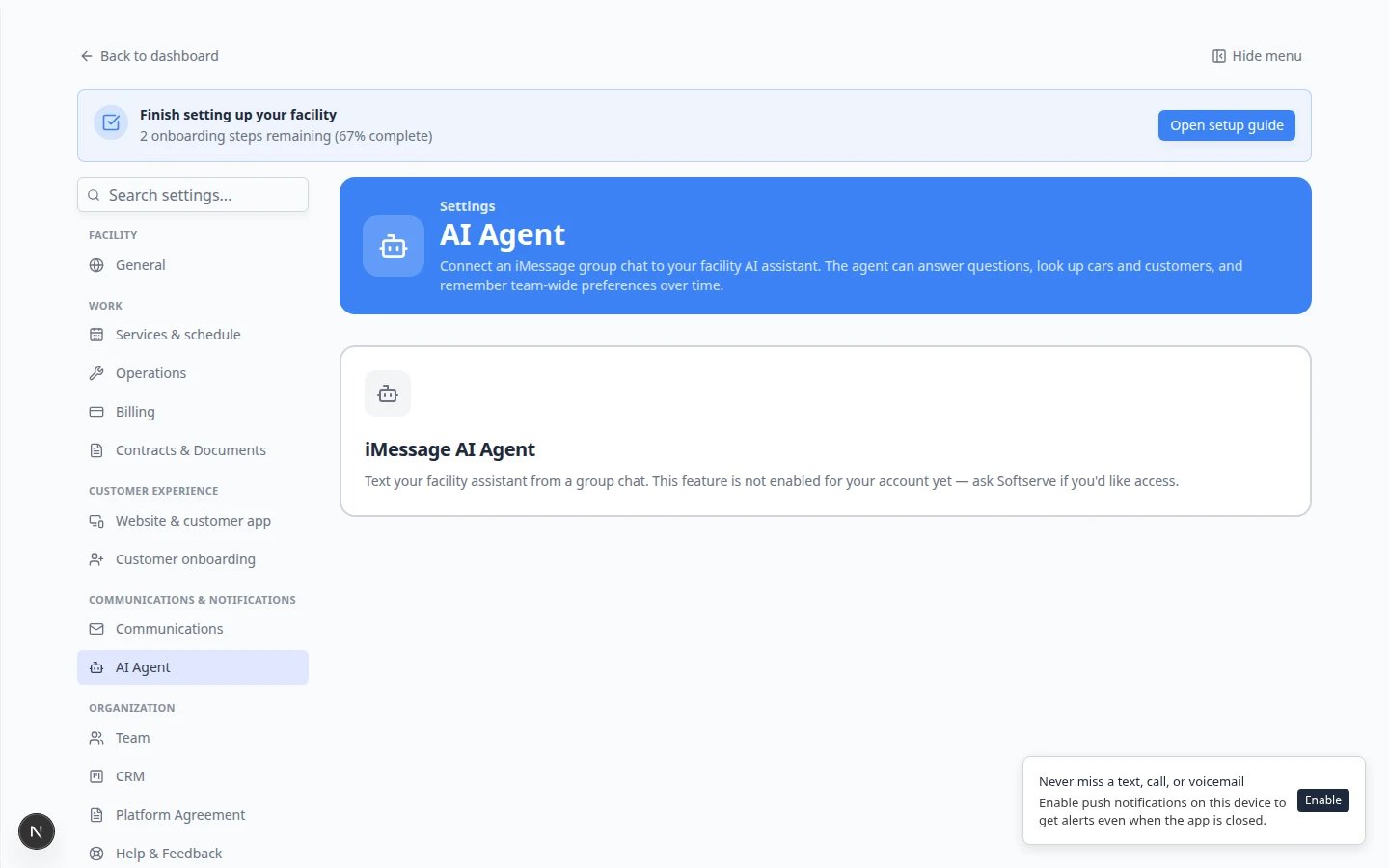 *Ask an admin to confirm your card in **2 · Text the robot** shows a green checkmark (**Verified**) before you expect replies in the group chat.*
**Keep customer chats separate**
Do **not** add customers to the assistant group chat. This group is for **staff only**. Customer texts and emails still go through [Inbox](https://www.carstoragesoftware.com/dashboard/inbox).
## Good questions to ask in the group chat
Use the same plain-English style as the web assistant.
### Schedule and appointments
* What's on the schedule today?
* What appointments does Alex Morgan have this week?
* Is there a drop-off scheduled for the Porsche 911 tomorrow?
**Expected result:** A list of upcoming visits with times. Before you promise a customer on the phone, confirm on [Schedule](https://www.carstoragesoftware.com/dashboard/schedule) if the answer is critical.
### Parking
* How many parking spots are available?
* Where is the 2017 Lamborghini Huracan parked?
* Is spot A1 open?
**Expected result:** Availability counts or a spot name. If the map is wrong in real life, update [Parking Spots](https://www.carstoragesoftware.com/dashboard/parking-spots)—the assistant reads what your team entered.
### Customer and vehicle lookups
* Look up Alex Morgan's cars.
* Find the car with plate NORTH1.
* Show me the 1995 Porsche 911.
**Expected result:** Vehicle details and owner name. If the wrong person appears, send the **full name**, email, or VIN in a new message.
### Billing and documents (if you have access)
* Does Alex Morgan have any open invoices?
* What contracts are waiting for signature?
**Expected result:** A summary you can read quickly. Open [Payments](https://www.carstoragesoftware.com/dashboard/payments) or the customer record before quoting dollar amounts. See [Ask about billing, contracts, and alerts](/docs/ai-assistant/ask-about-billing-contracts-and-alerts).
*Ask an admin to confirm your card in **2 · Text the robot** shows a green checkmark (**Verified**) before you expect replies in the group chat.*
**Keep customer chats separate**
Do **not** add customers to the assistant group chat. This group is for **staff only**. Customer texts and emails still go through [Inbox](https://www.carstoragesoftware.com/dashboard/inbox).
## Good questions to ask in the group chat
Use the same plain-English style as the web assistant.
### Schedule and appointments
* What's on the schedule today?
* What appointments does Alex Morgan have this week?
* Is there a drop-off scheduled for the Porsche 911 tomorrow?
**Expected result:** A list of upcoming visits with times. Before you promise a customer on the phone, confirm on [Schedule](https://www.carstoragesoftware.com/dashboard/schedule) if the answer is critical.
### Parking
* How many parking spots are available?
* Where is the 2017 Lamborghini Huracan parked?
* Is spot A1 open?
**Expected result:** Availability counts or a spot name. If the map is wrong in real life, update [Parking Spots](https://www.carstoragesoftware.com/dashboard/parking-spots)—the assistant reads what your team entered.
### Customer and vehicle lookups
* Look up Alex Morgan's cars.
* Find the car with plate NORTH1.
* Show me the 1995 Porsche 911.
**Expected result:** Vehicle details and owner name. If the wrong person appears, send the **full name**, email, or VIN in a new message.
### Billing and documents (if you have access)
* Does Alex Morgan have any open invoices?
* What contracts are waiting for signature?
**Expected result:** A summary you can read quickly. Open [Payments](https://www.carstoragesoftware.com/dashboard/payments) or the customer record before quoting dollar amounts. See [Ask about billing, contracts, and alerts](/docs/ai-assistant/ask-about-billing-contracts-and-alerts).
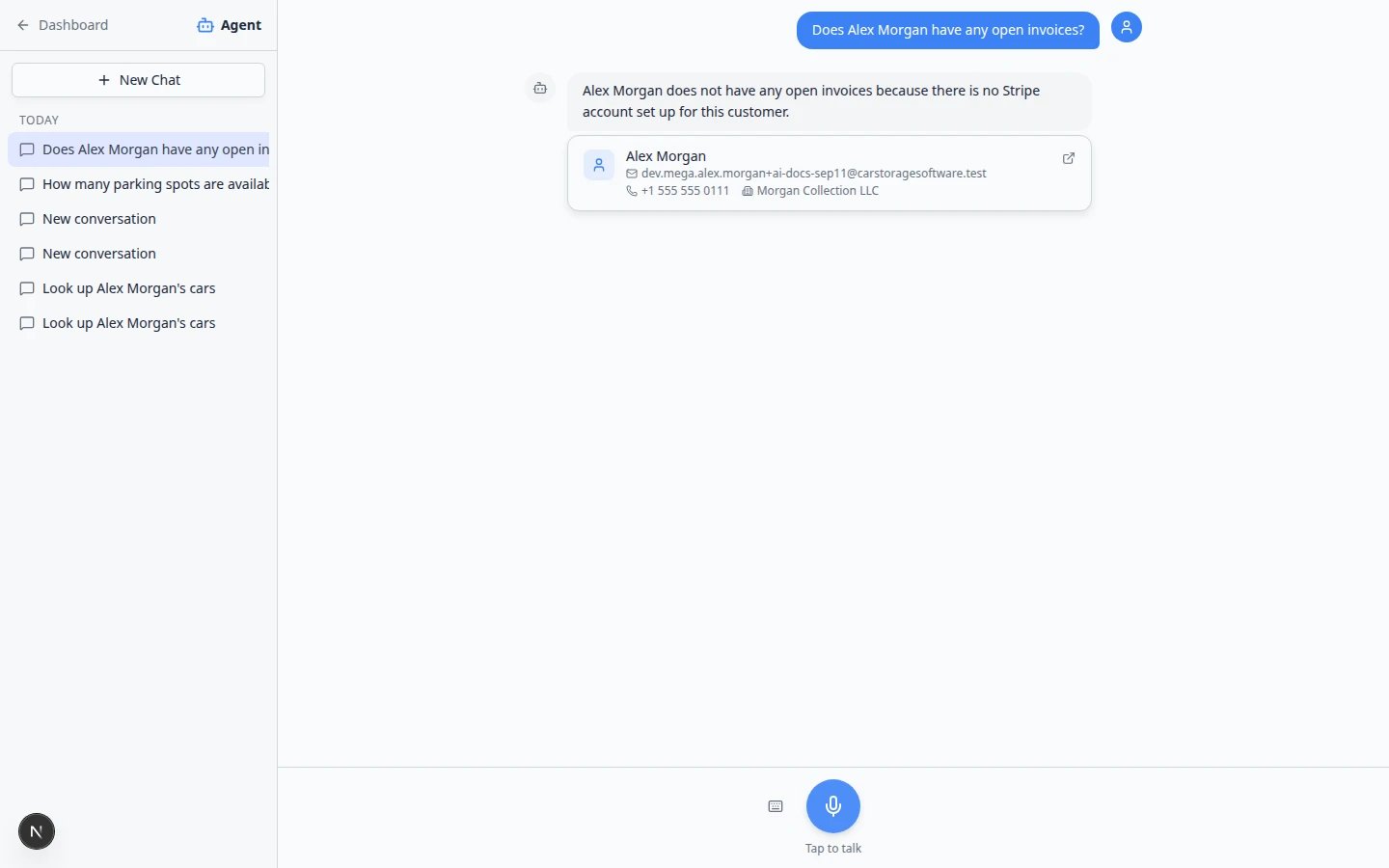 *The web assistant shows the same kind of billing summary you will see as a text reply in your group chat. Always verify totals in [Payments](https://www.carstoragesoftware.com/dashboard/payments) before you tell a customer what they owe.*
## Write clear messages
Start with the job: look up, check, find, or list.
**Good:** Look up Alex Morgan's cars.
**Hard to answer:** Alex Morgan?
Include a full name, vehicle, date, or spot number.
**Why this matters:** Many customers share last names. Extra detail prevents mix-ups.
Ask about one customer or task per message when possible.
**Expected result:** Faster, clearer replies for everyone reading the group chat.
## When the assistant asks you to confirm
For sensitive actions—canceling an appointment, sending a contract, or changing billing—the assistant may reply with a question such as “Should I go ahead?”
Make sure you understand which customer, car, and action the assistant means.
Answer **yes** or **no** in plain language. Add corrections if something looks wrong.
**Why this matters:** In iMessage there is no **Confirm All** screen. Your written yes or no is the confirmation step.
For voiding invoices, changing payment methods, or deleting records, use the normal dashboard pages instead of the group chat.
*The web assistant shows the same kind of billing summary you will see as a text reply in your group chat. Always verify totals in [Payments](https://www.carstoragesoftware.com/dashboard/payments) before you tell a customer what they owe.*
## Write clear messages
Start with the job: look up, check, find, or list.
**Good:** Look up Alex Morgan's cars.
**Hard to answer:** Alex Morgan?
Include a full name, vehicle, date, or spot number.
**Why this matters:** Many customers share last names. Extra detail prevents mix-ups.
Ask about one customer or task per message when possible.
**Expected result:** Faster, clearer replies for everyone reading the group chat.
## When the assistant asks you to confirm
For sensitive actions—canceling an appointment, sending a contract, or changing billing—the assistant may reply with a question such as “Should I go ahead?”
Make sure you understand which customer, car, and action the assistant means.
Answer **yes** or **no** in plain language. Add corrections if something looks wrong.
**Why this matters:** In iMessage there is no **Confirm All** screen. Your written yes or no is the confirmation step.
For voiding invoices, changing payment methods, or deleting records, use the normal dashboard pages instead of the group chat.
 *Admins can **Pause** a linked group when you want messages to stay in the thread but the assistant should stop replying—for example during a staff meeting.*
## What iMessage cannot do as well as the web page
* **Review proposal cards** before creating customers, cars, and appointments—use [Prepare work with the AI Assistant](/docs/ai-assistant/prepare-work-with-the-ai-assistant) on the web instead.
* **Open dashboard pages** with a **Go now** button—copy details from the text reply and open the app yourself.
* **Send customer texts or emails**—draft wording in the group if helpful, but always send from [Inbox](https://www.carstoragesoftware.com/dashboard/inbox).
## Troubleshooting
### The assistant never replies
* Confirm the group is **active** in [Settings > AI Agent](https://www.carstoragesoftware.com/dashboard/settings/ai-agent) (ask an admin).
* Confirm your phone is **Verified**.
* Check whether an admin **Paused** the group.
### The answer mentions the wrong customer
Send a follow-up with the full name, email, or VIN. Do not use a wrong answer for customer promises or billing.
### Times look wrong
Your facility time zone lives in [Settings > General](https://www.carstoragesoftware.com/dashboard/settings/general). Compare important appointments on [Schedule](https://www.carstoragesoftware.com/dashboard/schedule).
### I need to create a new customer and car
Use the web [AI Assistant](https://www.carstoragesoftware.com/agent) with [Prepare work with the AI Assistant](/docs/ai-assistant/prepare-work-with-the-ai-assistant) so you can review cards before saving—or enter records manually in [Contacts](https://www.carstoragesoftware.com/dashboard/contacts) and [Cars](https://www.carstoragesoftware.com/dashboard/cars).
## What to do next
* [Ask about schedule, parking, and records](/docs/ai-assistant/ask-about-schedule-parking-and-records) — more examples for the web assistant that also work in iMessage.
* [Manage team memory for the AI Assistant](/docs/ai-assistant/manage-team-memory-for-the-ai-assistant) — facts admins add so every chat stays consistent.
* [Use the AI Assistant](/docs/ai-assistant/use-the-ai-assistant) — voice, typing, and navigation on the web page.
This documentation is built and hosted on [Mintlify](https://mintlify.com), a developer documentation platform.
*Admins can **Pause** a linked group when you want messages to stay in the thread but the assistant should stop replying—for example during a staff meeting.*
## What iMessage cannot do as well as the web page
* **Review proposal cards** before creating customers, cars, and appointments—use [Prepare work with the AI Assistant](/docs/ai-assistant/prepare-work-with-the-ai-assistant) on the web instead.
* **Open dashboard pages** with a **Go now** button—copy details from the text reply and open the app yourself.
* **Send customer texts or emails**—draft wording in the group if helpful, but always send from [Inbox](https://www.carstoragesoftware.com/dashboard/inbox).
## Troubleshooting
### The assistant never replies
* Confirm the group is **active** in [Settings > AI Agent](https://www.carstoragesoftware.com/dashboard/settings/ai-agent) (ask an admin).
* Confirm your phone is **Verified**.
* Check whether an admin **Paused** the group.
### The answer mentions the wrong customer
Send a follow-up with the full name, email, or VIN. Do not use a wrong answer for customer promises or billing.
### Times look wrong
Your facility time zone lives in [Settings > General](https://www.carstoragesoftware.com/dashboard/settings/general). Compare important appointments on [Schedule](https://www.carstoragesoftware.com/dashboard/schedule).
### I need to create a new customer and car
Use the web [AI Assistant](https://www.carstoragesoftware.com/agent) with [Prepare work with the AI Assistant](/docs/ai-assistant/prepare-work-with-the-ai-assistant) so you can review cards before saving—or enter records manually in [Contacts](https://www.carstoragesoftware.com/dashboard/contacts) and [Cars](https://www.carstoragesoftware.com/dashboard/cars).
## What to do next
* [Ask about schedule, parking, and records](/docs/ai-assistant/ask-about-schedule-parking-and-records) — more examples for the web assistant that also work in iMessage.
* [Manage team memory for the AI Assistant](/docs/ai-assistant/manage-team-memory-for-the-ai-assistant) — facts admins add so every chat stays consistent.
* [Use the AI Assistant](/docs/ai-assistant/use-the-ai-assistant) — voice, typing, and navigation on the web page.
This documentation is built and hosted on [Mintlify](https://mintlify.com), a developer documentation platform.