

What you will accomplish
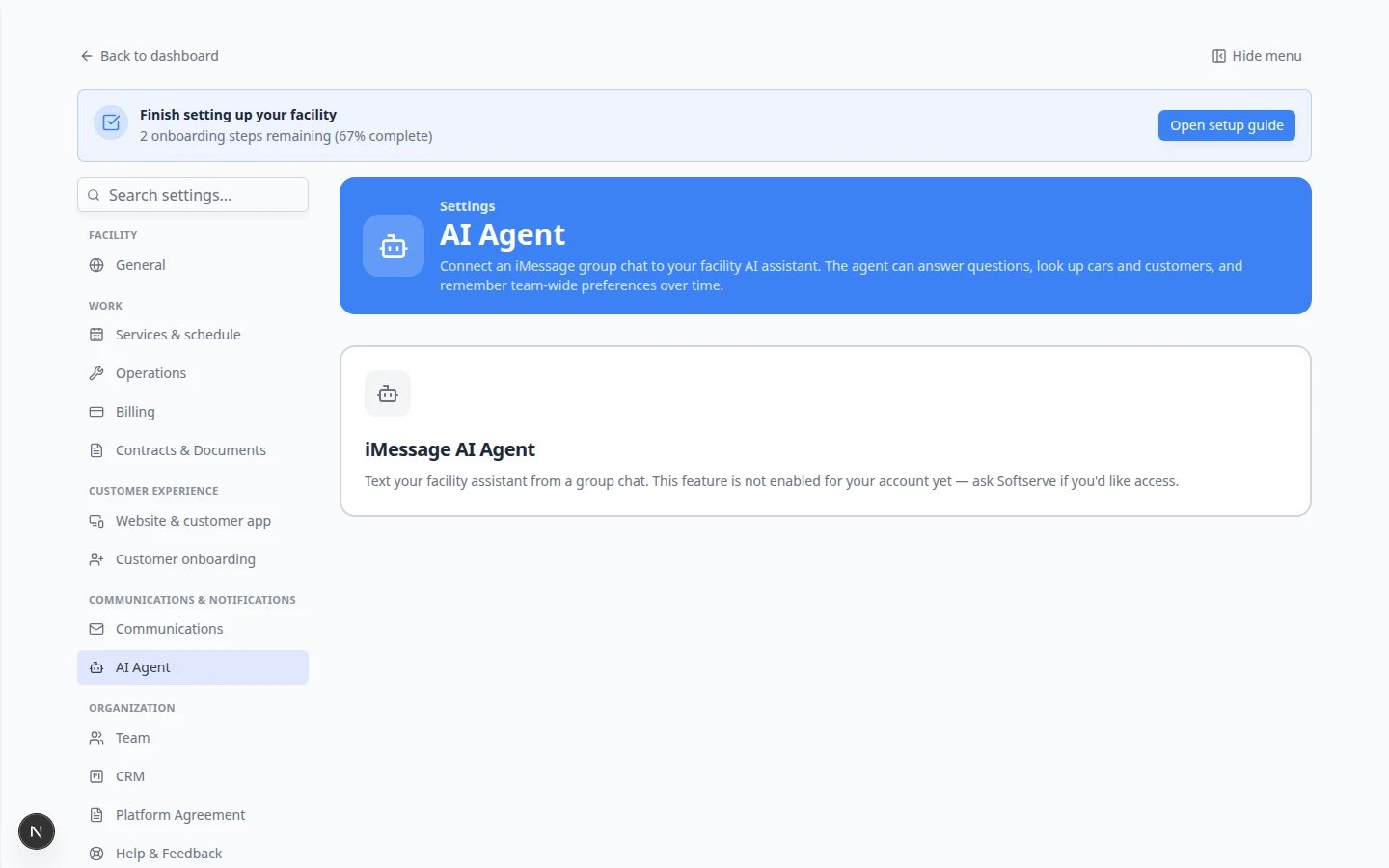
You will understand how team memory works today: the assistant saves short, reusable facts your whole facility can benefit from in both the web chat and linked iMessage groups. Good memory helps every teammate get consistent answers without re-explaining the same rules each week.No settings list yetThere is not a separate Team memory page in Settings today. Memory is created during normal assistant conversations and applied automatically to future chats. This guide explains how to add helpful facts and what to avoid.
When team memory helps
Use team memory for stable facts that apply to everyone, such as:- Pickup requests usually need 24 hours notice.
- Climate storage customers must use the north gate after 6 pm.
- We do not promise detail appointments on Sundays.
- One customer’s private notes (use the customer record in Contacts instead).
- Temporary updates (“Bob is out sick today”)—tell the team directly.
- Passwords, payment card numbers, gate codes, or other secrets.
How memory is saved today
The assistant can remember a fact in two ways:1
You ask it to remember something
In AI Assistant or your linked iMessage group, say a clear rule in plain English.Example: Remember that pickup requests need 24 hours notice at our facility.Expected result: The assistant confirms it will remember that for future conversations.
2
The assistant learns from a clear team statement
When a staff member states a reusable rule during a chat, the assistant may save it automatically for the team.Example: A manager texts in the group chat: “We never schedule dealer service on Fridays.”Why this matters: Automatic memory saves time, but your team should still review whether the rule is accurate.
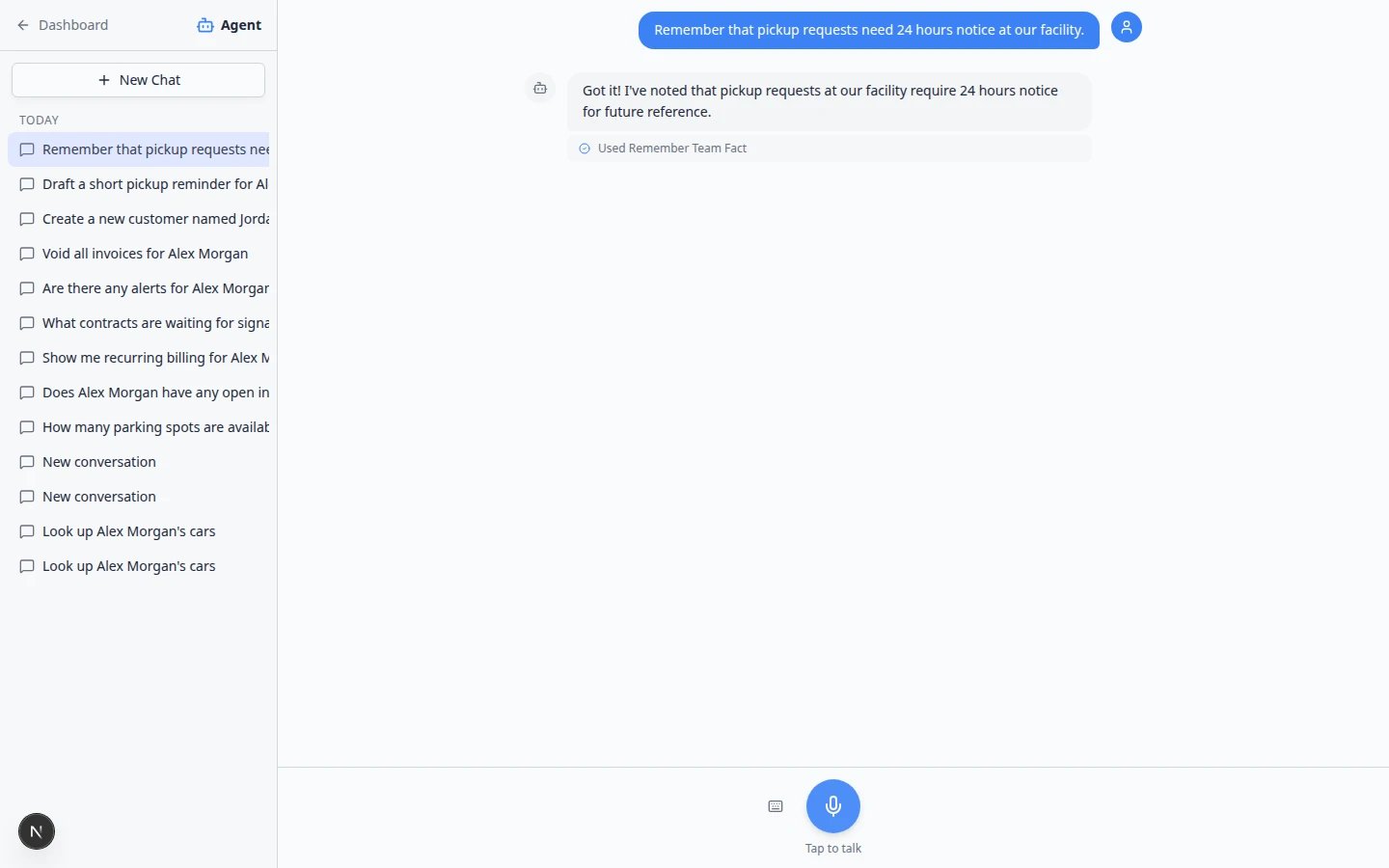
Ask the assistant to remember a rule (web)
1
Open AI Assistant
Go to AI Assistant and click New Chat so the thread is only about this rule.
2
State one fact clearly
Type a single sentence your whole team should follow.Example: Remember that after-hours gate access requires a manager on site.Press Enter and wait for the reply.
3
Read the confirmation
The assistant should confirm it saved the fact for future chats.Expected result: Later questions about pickups, gates, or scheduling can use this rule without you repeating it.
4
Test with a related question
In the same chat or a New Chat, ask something the rule affects.Example: Can a customer pick up tonight at 9 pm?Why this matters: Testing catches mistakes before a customer hears the wrong answer on the phone.Expected result: The assistant’s answer follows the rule you saved—for example, mentioning required notice before a pickup.
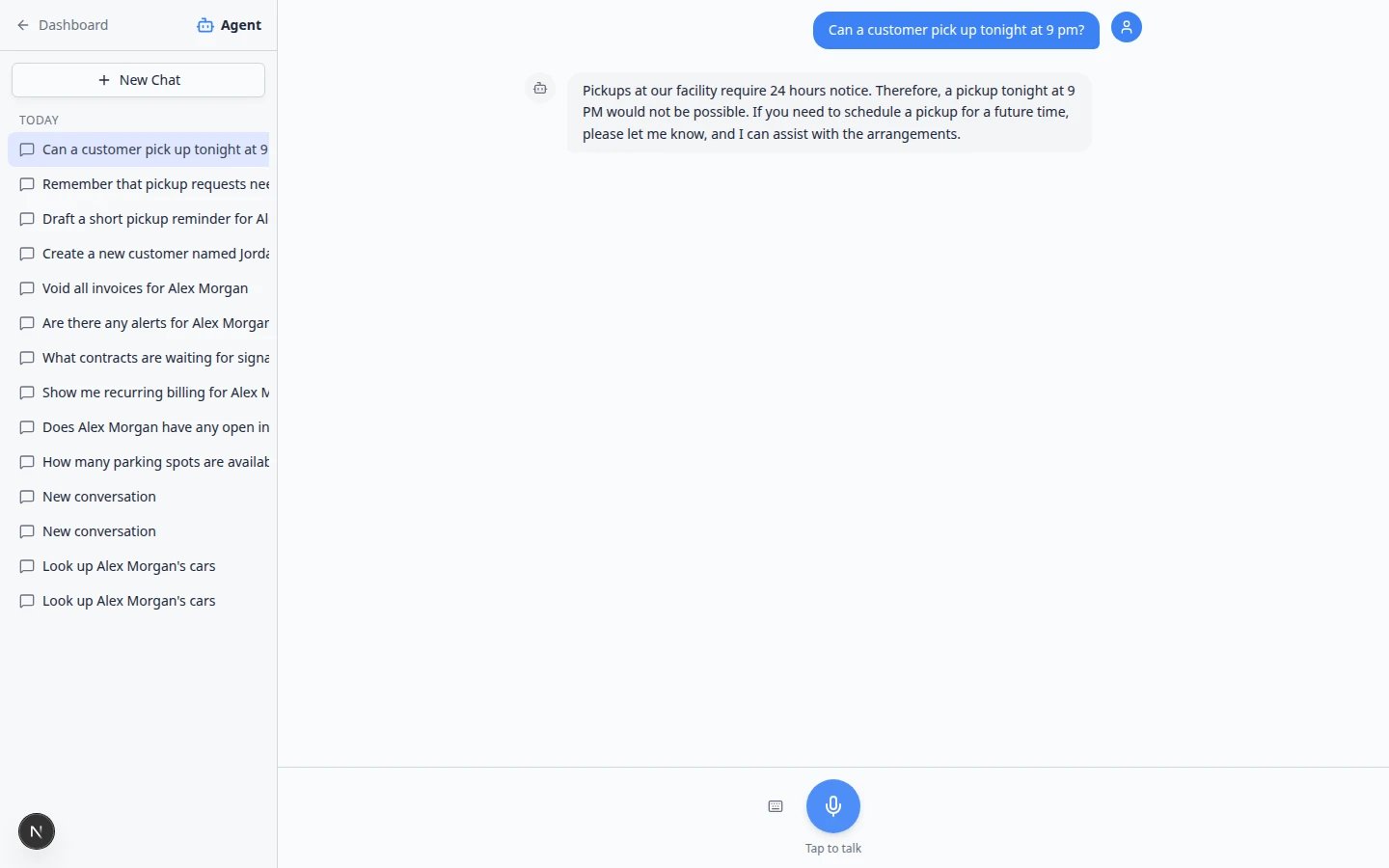
Ask the assistant to remember a rule (iMessage)
After an admin links a staff group chat, any verified teammate can add memory from their phone.1
Open your team group chat
Use the staff-only group chat linked in Connect iMessage to the AI Assistant—not a customer thread.
2
Send one clear sentence
Example: Remember: we need 24 hours notice for all pickup requests.Expected result: The assistant replies in the group confirming it will remember.
Good examples vs weak examples
Review and correct memory
Because there is no settings list yet, use these habits:- Test after you add a rule — ask a follow-up question in a New Chat or fresh iMessage message.
- Correct mistakes in writing — if an answer is wrong, tell the assistant: Forget that rule about Sunday appointments. We are open Sundays for drop-offs only.
- Train managers — only state rules in the group chat that you want the whole team to follow.
Troubleshooting
The assistant says it cannot remember
Confirm you are signed in as staff with AI Assistant access. See Who can use the AI Assistant.The answer still ignores a rule
Try stating the rule again in a New Chat, then ask your test question. Old threads may not pick up changes immediately.Someone saved a joke or wrong rule in the group chat
Reply in the group or in AI Assistant with a correction in plain English. Tell your team to save serious rules only.What to do next
- Connect iMessage to the AI Assistant if your team texts from a group chat.
- Use the AI Assistant to practice remembering and testing a rule on the web.
- AI Assistant overview for how memory fits with permissions and proposals.