

What you will accomplish
You will find the right step-by-step guide for your role: setting up iMessage for your facility, or using the assistant from a team group chat on your phone.Two guides, two jobsAdmins and managers connect the group chat in Connect iMessage to the AI Assistant.Staff on the lot or at the front desk text questions after setup using Use the AI Assistant in iMessage.
Which guide should I read?
Not sure where to start? Match your role to the path below.1
I need to set up iMessage for my facility
You are an owner, admin, or manager connecting a team group chat for the first time.Start here: Connect iMessage to the AI AssistantExpected result: Verified team members, a linked group chat, and active status on Settings > AI Agent.
2
My facility is already set up—I want to text questions
Your admin already linked a group chat and you have a Verified phone number.Start here: Use the AI Assistant in iMessageExpected result: You can ask schedule, parking, and customer lookup questions from your iPhone and get short replies in the group chat.
3
I need to add shared rules the assistant should remember
After iMessage is connected, admins can save team-wide facts (for example, pickup notice requirements).Start here: Manage team memory for the AI Assistant
Quick comparison
How iMessage fits with the dashboard assistant
Think of three doors into the same records: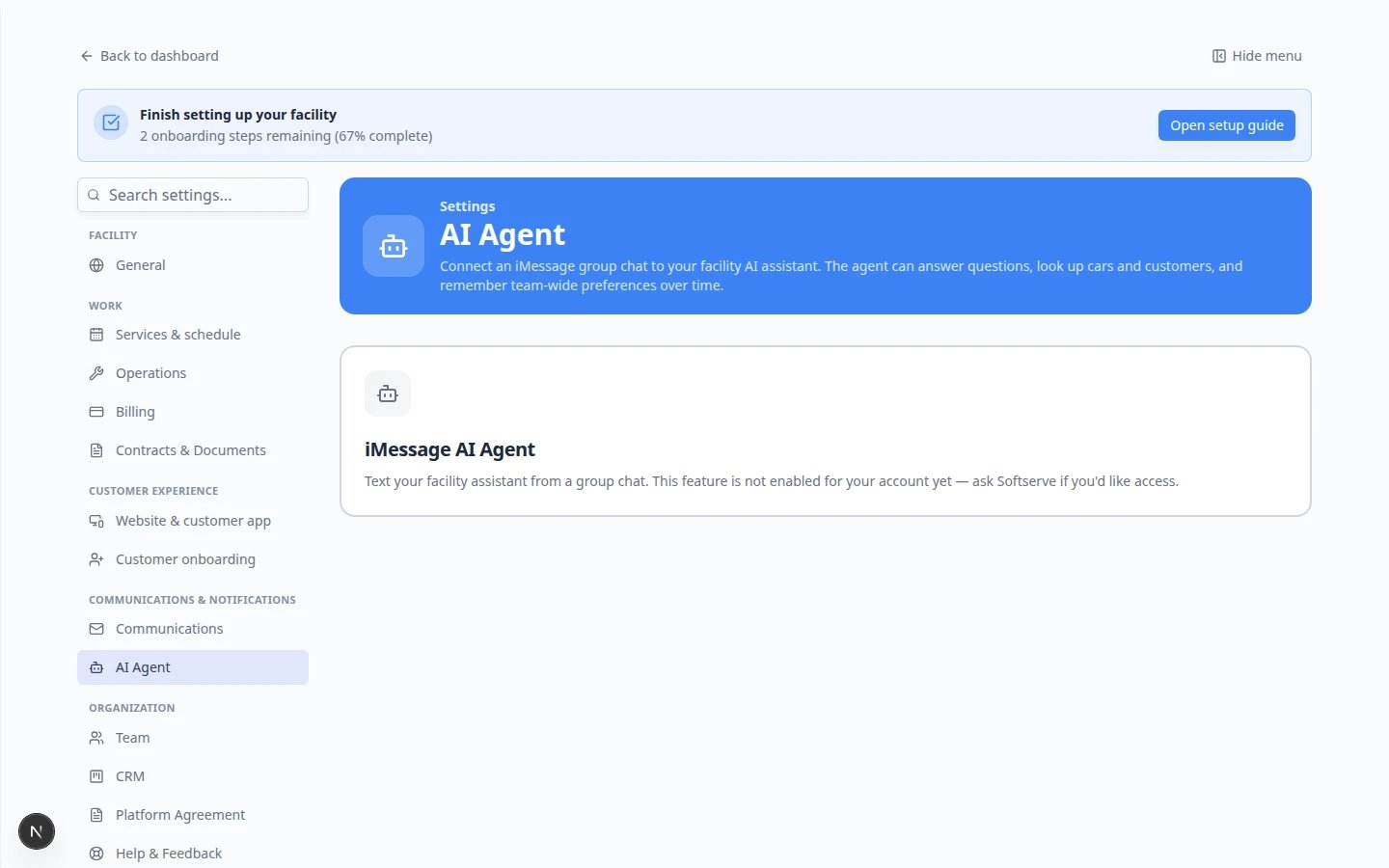
This is different from texting customers
iMessage connects your staff team to the assistant. Customer texts still flow through Inbox. The assistant does not send messages to customers from a group chat.What iMessage is good for
- What’s on the schedule today?
- How many parking spots are available?
- Look up Alex Morgan’s cars. (use a real name from Contacts)
- Where is the 2017 Lamborghini Huracan parked?
What iMessage cannot do
Do not rely on iMessage alone for:
- Creating new customers, cars, or appointments (use dashboard proposal cards—see Prepare work with the AI Assistant)
- Finalizing invoices, quotes, or payments (use Payments)
- Sending contracts or customer messages (use Inbox)
- Voiding or deleting important records
Troubleshooting
The page says the feature is not enabled
Your facility needs the iMessage AI Agent turned on at the platform level. Contact Car Storage Software support. You can still use AI Assistant in the dashboard.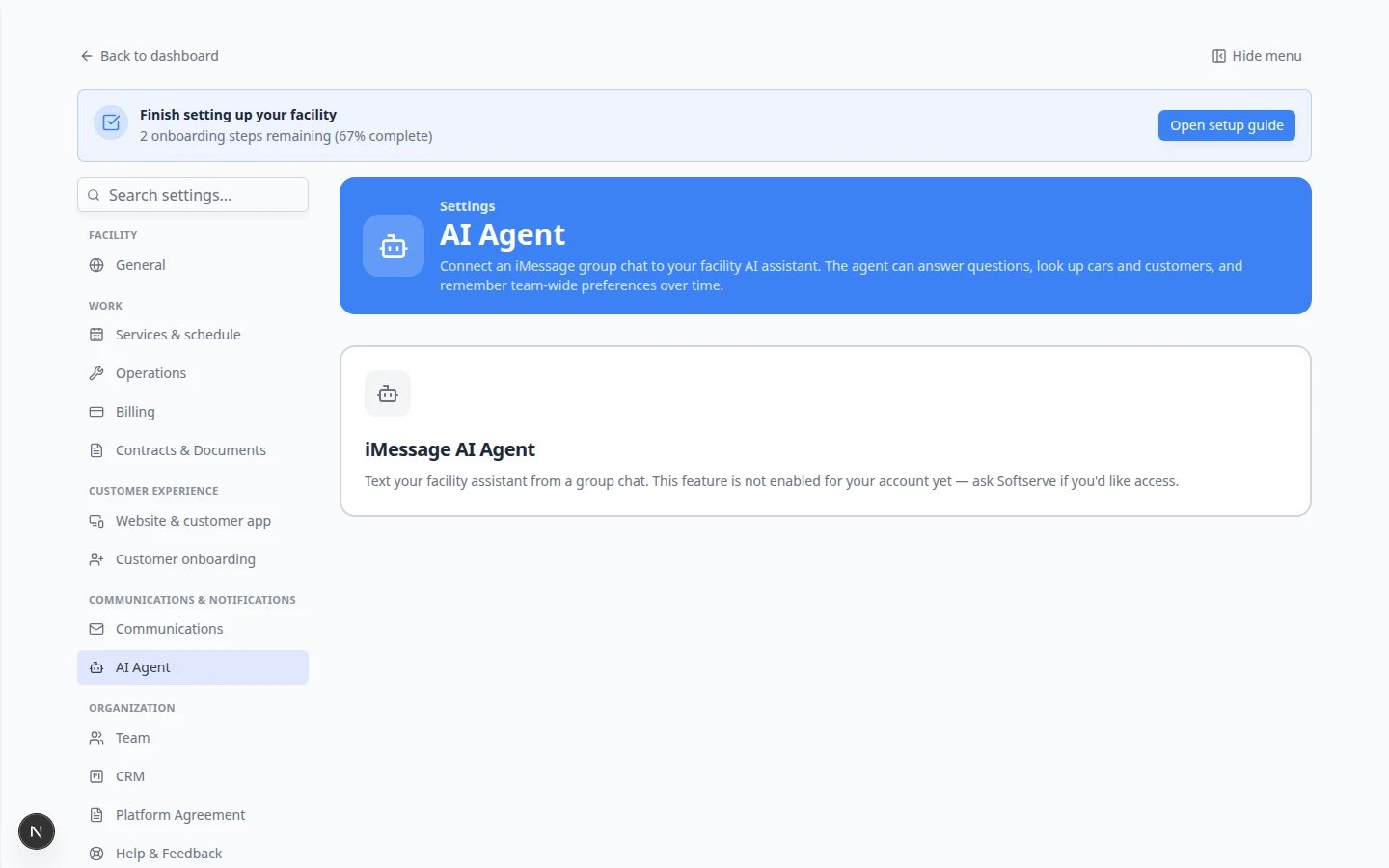
I am staff and the group chat does not reply
Ask an admin to confirm your phone is Verified, you are in the linked group, and the group status is active (not paused). See Connect iMessage to the AI Assistant.Answers look wrong
Verify in Contacts, Cars, Schedule, or Parking Spots before you act on a text reply.What to do next
- Admins: Connect iMessage to the AI Assistant
- Staff: Use the AI Assistant in iMessage
- Claude users: Connect Claude to your facility
- Everyone: AI Assistant overview for the full learning path